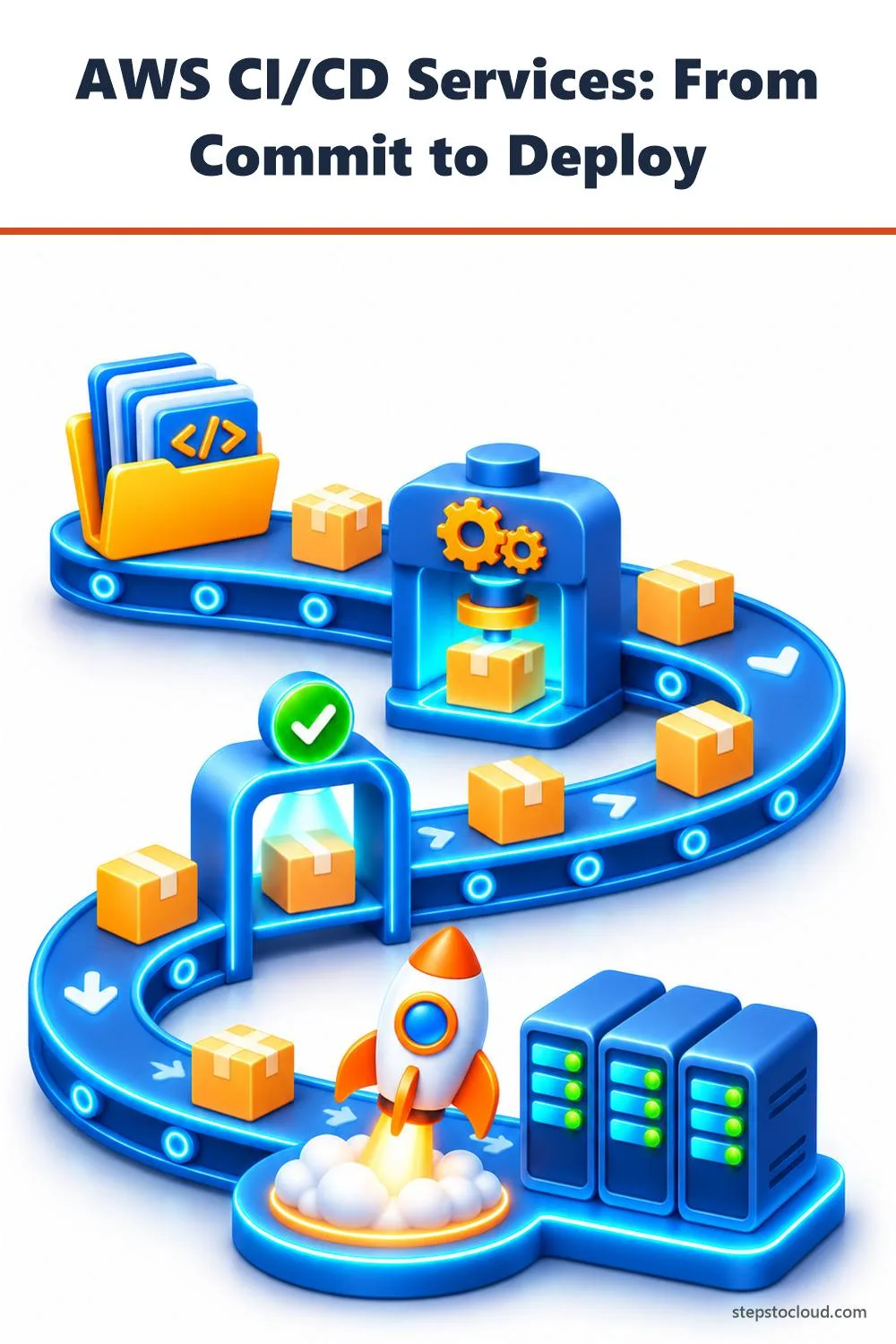
AWS CI/CD services are four managed tools that take code from a commit to production. CodeCommit stores it, CodeBuild compiles and tests it, CodeDeploy releases it, and CodePipeline runs those stages in order on every change.
You can use them together or swap parts out, for example GitHub for source or Jenkins for builds. This AWS guide explains each service, then walks through building a pipeline. It covers:
- What is CI and CD in AWS?
- What kind of AWS CI/CD services are present?
- Frequently Asked Questions (FAQs).
What Are CI and CD in AWS?
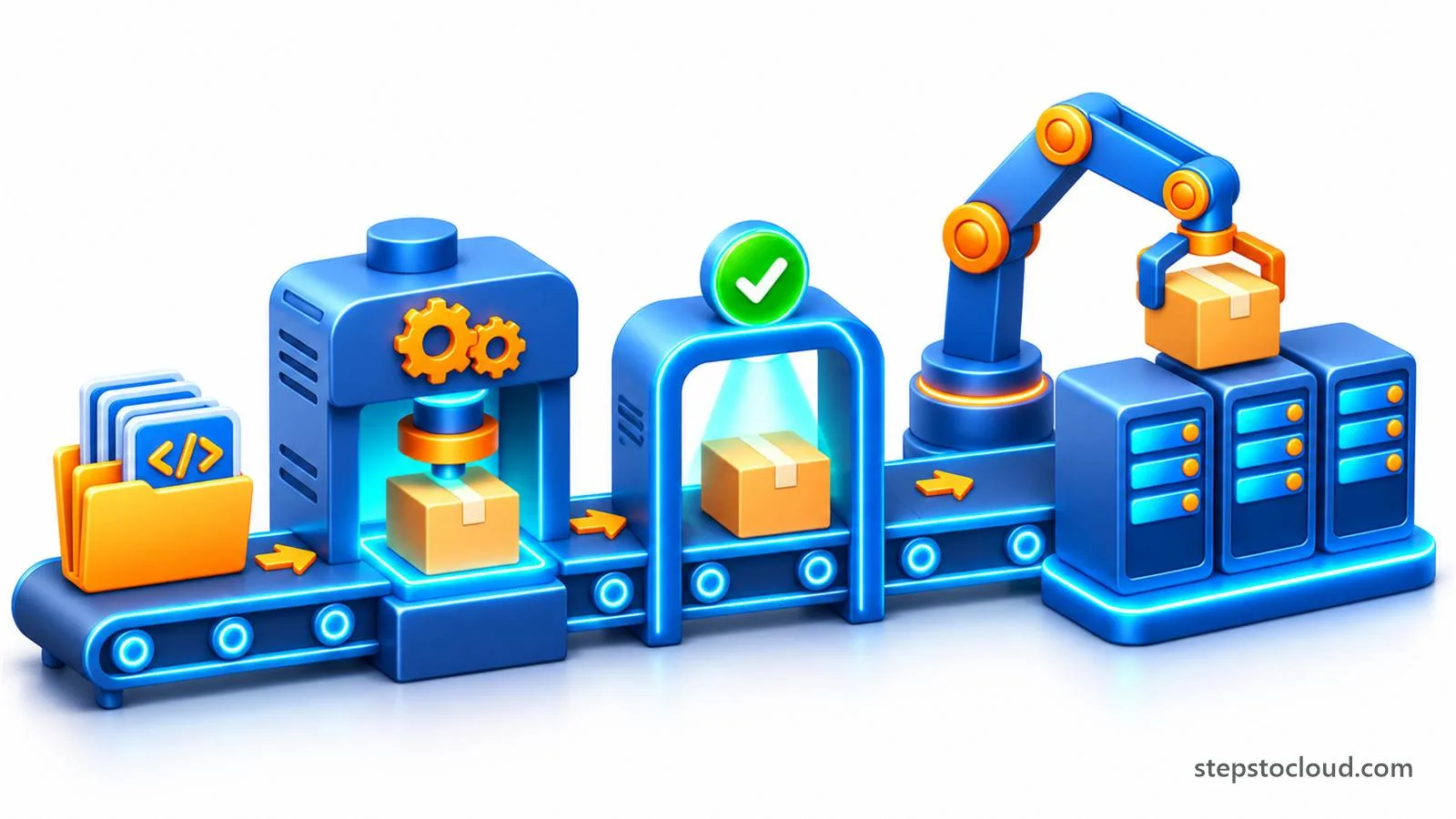
Continuous integration and continuous deployment/delivery can be the best thought similar to a pipeline of different operations for the code to get to the production-ready phase.
A new code is offered to the system, it goes through a sequence of steps: source, build, test, staging, and finally, production. The code is deemed okay for submission and is published as product-ready once it has passed through all the stages.
As the code progresses through the procedure set in place, passing all requirements and vetting successfully, the higher the chance of it getting verified in the later steps.
It can be difficult for the code to progress if there has been a problem discovered in the early stage of the code in the pipeline.
In case the software does not perform as it should and fails a step, the development team is informed, and the code is halted from progress in the pipeline.
The AWS CI/CD pipeline architecture
The AWS CI/CD pipeline architecture is similar to that mentioned above. AWS offers developers and users fantastic tools to easily undergo software development and release phases of updates.

AWS CodePipeline has the power to automate the process of building, testing, and deployment of the software release whenever there is a change in the code.
These changes are made based on the model of release defined by the user. This has enabled developers to easily and rapidly release new updates and upgraded features.
Every CI/CD pipeline step is structured with a specific logic and purpose in the delivery system. Each stage acts as a checking guard for a particular facet of the code.
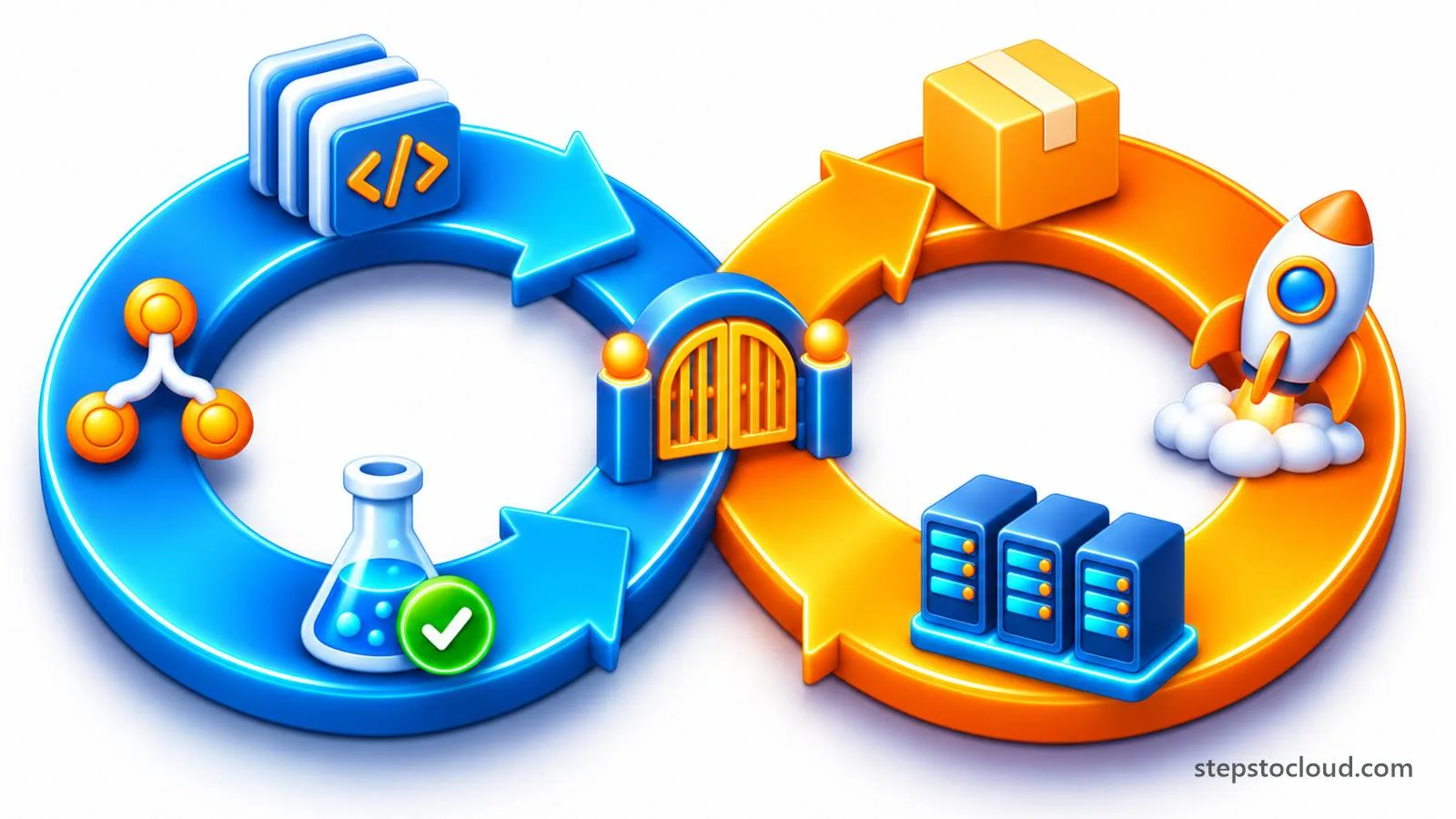
What are the services in AWS CI/CD?

There are different AWS CI/CD services and applications for building, managing, testing, and deploying data. The main AWS services that make up the AWS CI/CD pipeline architecture are:
AWS CodePipeline
AWS CodePipeline is a completely managed continuous service, similar to AWS CodeBuild, that is used for continually delivering quick and reliable code application and infrastructure updates.
AWS CodePipeline automates the building, testing, and deployment stages of the process every time a change has been made in the release model.
This feature has allowed developers to deliver fantastic features and updates without extra hassle. AWS CodePipeline can also integrate easily with third-party applications such as GitHub or with your business’s custom plugins.
AWS CodeCommit
AWS CodeCommit is the managed Git repository service from AWS. It is not connected to GitHub: it hosts private Git repositories inside your own AWS account, encrypted at rest and in transit.
This service helps the team members to collaborate on their work in a central repository backed by AWS and for sure secure, as it’s encrypted.
It is exactly the same as git with all the commands being the same it’s pretty easy to use.
AWS CodeBuild
AWS CodeBuild is a popular web service by Amazon and an uninterrupted integration service that compiles source code, runs coding tests, and produces complete software packages which are ready for deployment.
AWS CodeBuild removes the need to run your own build servers. It starts a fresh container for each build, runs several builds in parallel, and bills per build minute.
AWS CodeDeploy
AWS CodeDeploy is another popular service from the AWS CI/CD services. It is a completely managed code deployment service that can automate software deployments on several platforms.
These deployments can be made on Amazon Lambda, Amazon EC2, AWS Fargate, and even a private on-site server.
AWS CodeDeploy has provided users the ease to release new features and updates rapidly. All of this can be accomplished while avoiding downtime during application deployment and complexities in updating applications.
CodeDeploy replaces error-prone manual releases with repeatable ones. See the full AWS CodeDeploy guide for deployment types and rollbacks.
Resources for AWS CI/CD Pipeline Tutorial / AWS CodePipeline tutorial.
The most reliable AWS Codepipeline Tutorials are on the AWS Get Started pages. You can find great resources and tutorials for beginner and advanced levels on the platform.
The most common and easy resource for AWS CodePipeline is this user guide. You will learn how to set up a pipeline on AWS using the services from AWS CodePipeline. After following this guide, you will be able to extract code from a source repository to deploy it to an Amazon EC2 instance.
New to AWS? Start with how to use the AWS console, then read how AWS security works before you give a pipeline permission to deploy.
AWS cI/cD pipeline vs jenkins
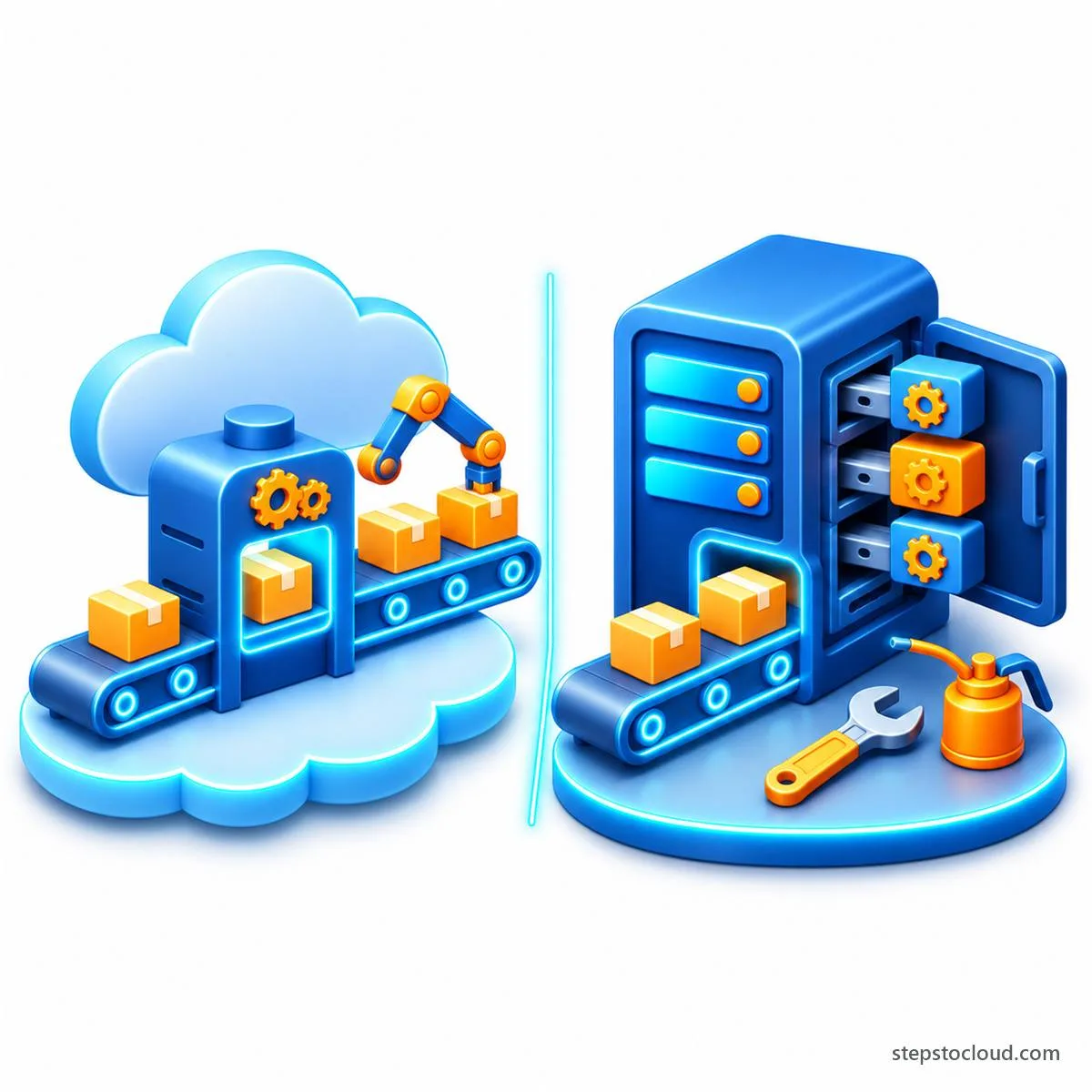
Jenkins is one of the most widely used CI/CD tools. CodePipeline is the managed alternative, and it pulls code from several source providers, not only GitHub. Here is how the two differ.
| AWS Code Pipeline | Jenkins |
| Web-Based in AWS Environment | Has to set up Jenkins Server |
| Fully Integrated with AWS as it sits inside the AWS ecosystem | Capable to deploy in any of the system, cloud, and on-premises as well |
| Easy Setup as its web-based | Complicated setup, involving server and plugins as well |
| Sources include CodeCommit, Amazon S3, Amazon ECR, GitHub, GitLab and Bitbucket Cloud | Integrates with Github along with other tools |
How to deploy an application using cI/cD pipeline
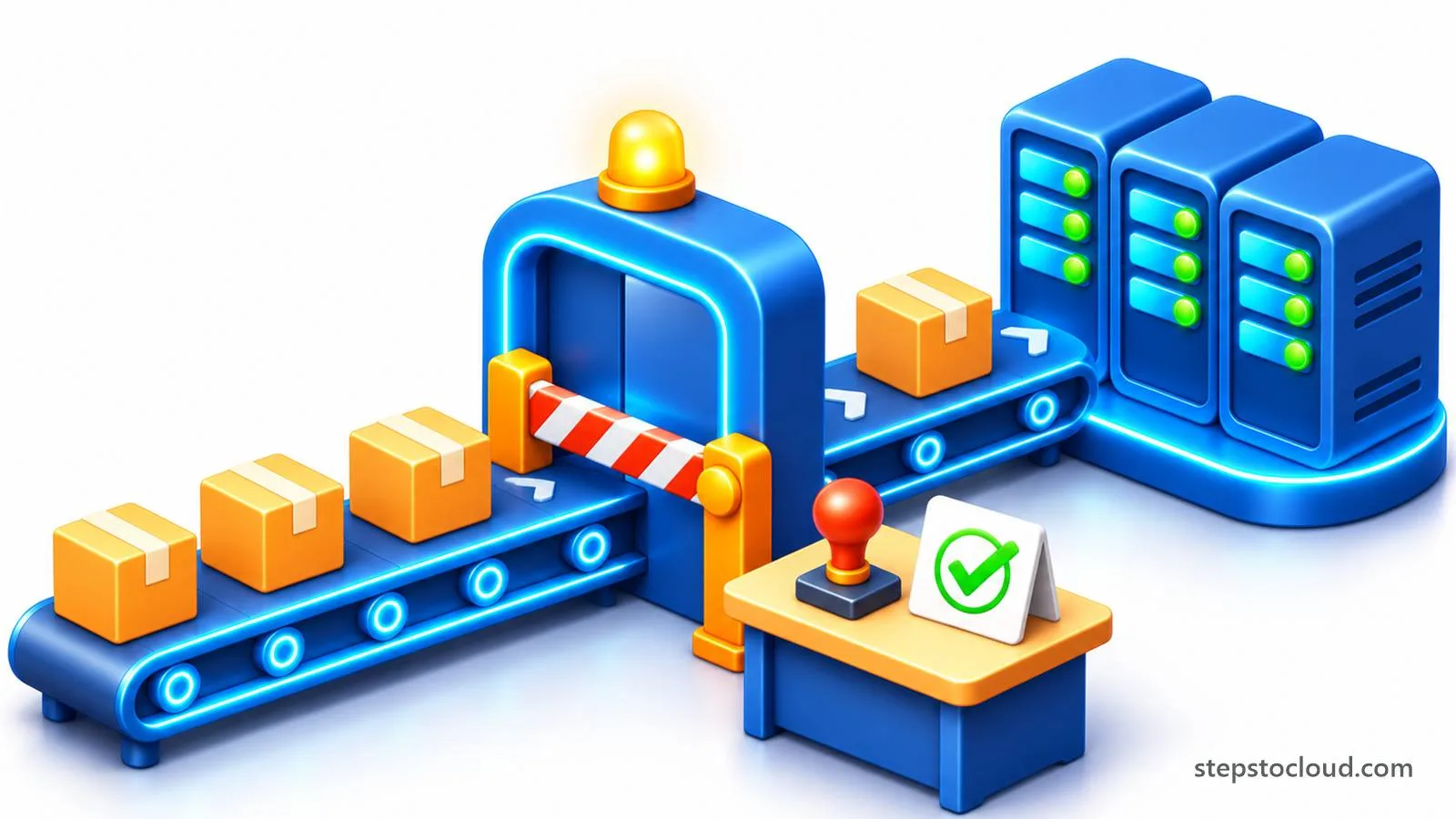
Follow along to create a CodePipeline to deploy the application in AWS:
Step 1: Jump into the AWS console and open the CodePipeline page.

Step 2: Hit the Create Pipeline button and you could see the below page. Give a relevant name to your pipeline, either select the role if you have created (Ideal Case) else let AWS create the role for you, then hit next.

Step 3: Choose the source from where you would like to pull up your source code into the CodePipeline.

Step 4: We are going with selecting AWS CodeCommit, enter the Repository name and the branch from where you would like to pull the code. Select the other details as per your preference, we are going with the default selection here.
For external sources like Git/Bitbucket, you would have to provide additional details for connecting the repository. Then Next.

Step 5: In here you would have to make a selection of building the code, either AWS CodeBuild or Jenkins depending on the Clients preference.

Step 6: If you are selecting CodeBuild, you have to go for the below additional setup. Here you have to provide the name of CodeBuild along with the buildspec.yaml file.
The buildspec.yml file lists the commands CodeBuild runs in each phase (install, pre_build, build, post_build) and the artifacts to keep. Without it, or inline build commands, the build has nothing to run.

Step 7: This is the final stage in the pipeline where you would like to send the code for deployment. For example, we went with AWS CloudFormation and deployed our code in Lambda. Choose as per the requirement and provide the required details.

And we have successfully created a CodePipeline in the AWS environment.
CodePipeline vs Bitbucket Pipelines
Bitbucket is Atlassian’s Git hosting service, with Jira integration and its own built-in CI/CD called Bitbucket Pipelines. Here is how it compares with AWS CodePipeline.
| AWS CodePipeline | Bitbucket |
| Cloud-based in AWS Ecosystem | Cloud-based, on-premises, Enterprise |
| Seamless integration with AWS Services | Integrates well with almost all the applications |
| No Project planning facility | Option of project planning is available |
| Builtin CI/CD | Built-in CI/CD through Bitbucket Pipelines, set up in a bitbucket-pipelines.yml file |
| Fully Managed by AWS | Bitbucket Cloud is managed by Atlassian; Bitbucket Data Center is self-hosted |
| No per-user license; you pay for pipeline usage | Priced per user, with a free plan for small teams |
| Good in Code-Repository, Build, and Deployment as well. | Good Code-Repository |
Frequently Asked Questions (FAQs)
Q1: What is CI/CD Pipeline?
CI/CD stands for Continuous Integration and Continuous Deployment, that is as soon as a code is pushed in the repository, it builds the code and if the testing is passed the code is deployed to the stipulated environment.
You may also like to explore the below AWS Articles.
Conclusion
In this article, we covered pertinent details about AWS CodePipeline and answered many more related questions and doubts about it. The article discussed:
- What is CI and CD in AWS?
- What are the services in AWS CI/CD services?
- Frequently Asked Questions (FAQs).
We hope that you can now make the best choice between opting for AWS CI/CD services or any other service for all your development needs.
Keep Clouding!!

I am an Amazon Web Services Professional, having more than 11 years of experience in AWS and other technologies. Extensively working in various AWS tools like S3, Lambda, API, Kinesis, Load Balancers, EKS, ECS, and many more. Working as a Solution Architect and Technology Lead for Architecting and implementing the same for different clients. He provides expert solutions around the world and especially in countries like the United States, Canada, United Kingdom, Australia, New Zealand, etc. Check out the complete profile on About us.
1 thought on “AWS CI/CD Services & AWS CodePipeline Deployment Steps”