The AWS Well-Architected Framework is AWS’s own checklist for judging a cloud design. It asks a fixed set of questions across six pillars and tells you where your system is at risk.
Think of it as a building inspection for something you run on Amazon Web Services. Nobody fails. You leave with a list of weak spots, ranked by how much they could hurt.
Last checked against the AWS docs on November 26, 2026.
The short version
- Six pillars: operational excellence, security, reliability, performance efficiency, cost optimization and sustainability.
- Two layers since November 16, 2026: Cloud Foundations for the whole organization, Cloud Workloads for each system.
- Free to use: the AWS Well-Architected Tool has no additional charge. You pay only for the resources you run.
This post contains affiliate links. As an Amazon Associate, Stepstocloud.com earns from qualifying purchases.
The pillars show up on every AWS architect exam. The Sybex Solutions Architect study guide is organized around them, and our Solutions Architect Associate study guide shows how the questions are asked.
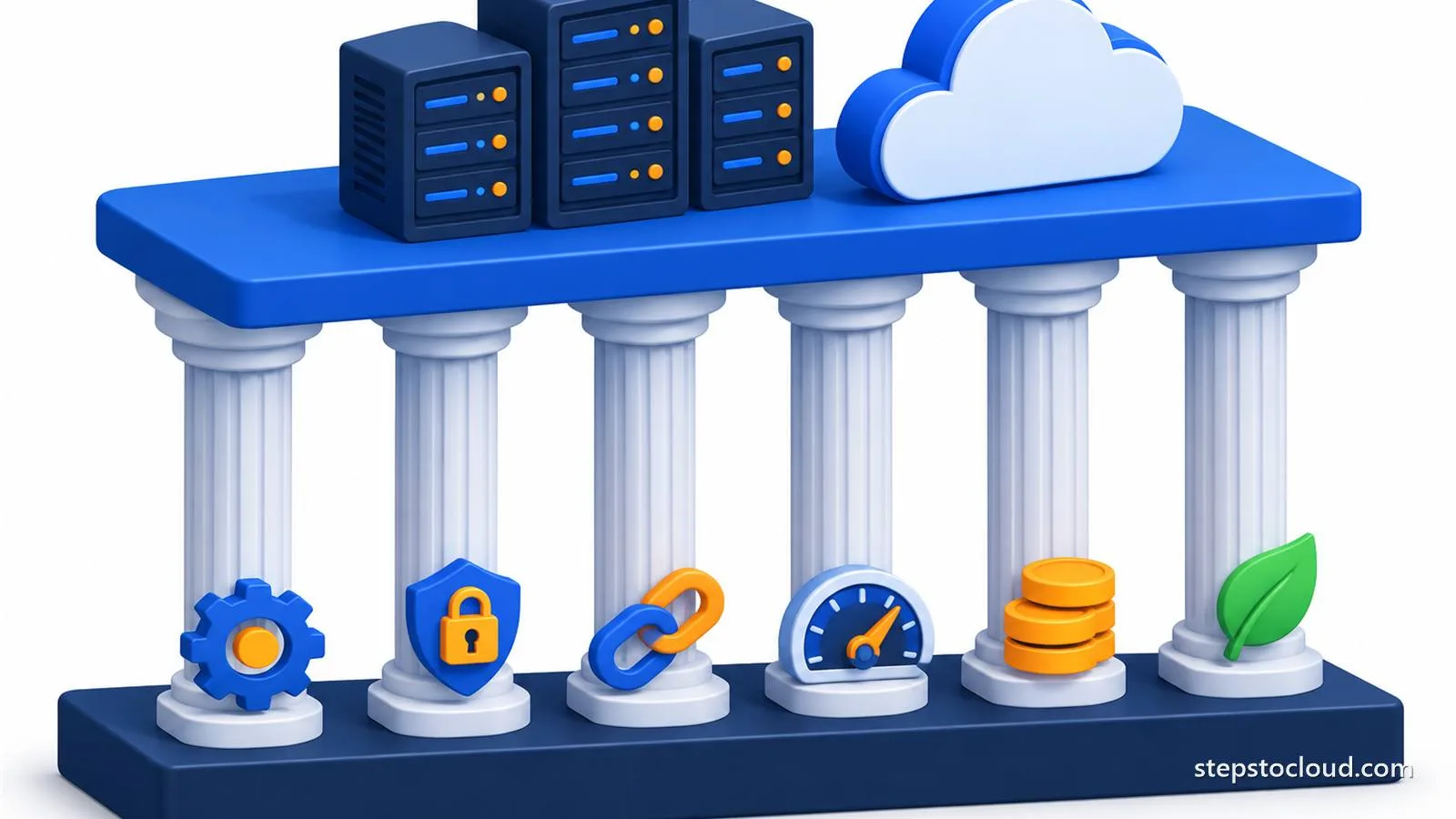
What is the AWS Well-Architected Framework?
It is a written set of best practices, plus the questions that test whether you follow them. AWS built it from reviewing thousands of customer designs and noting what the healthy ones had in common.
The precise version: AWS says the framework documents a set of foundational questions that show whether an architecture lines up with cloud best practices, and what it would take to close the gaps.
Three terms come up constantly, so pin them down early:
- Workload: a set of components that together deliver business value. A checkout service is a workload. “Our whole AWS account” is not.
- Lens: a question set. The main framework lens covers any workload; extra lenses add questions for a specific kind of system.
- Milestone: a saved snapshot of your answers, so you can compare one review with the next.
AWS is clear about the spirit of it. A review is described as a constructive conversation about architectural decisions, and not an audit mechanism. That one line changes how honest people are in the room.
What are the six pillars?
Each pillar is one angle to look at the same system from. The table gives the question each one asks and a first thing to check on your own setup.
| Pillar | The question it asks | Capability areas | A first thing to check |
|---|---|---|---|
| Operational excellence | Can you run it, see what it is doing, and improve it? | 7 | Is every deployment small and reversible? |
| Security | Who can touch what, and would you notice misuse? | 11 | Is the root user locked away behind MFA? |
| Reliability | Does it keep working, and recover when it breaks? | 13 | Has a restore from backup ever been tested? |
| Performance efficiency | Are you using the right resources for the job? | 5 | Do you have a stated response-time target? |
| Cost optimization | Is every dollar spent earning its place? | 10 | Can each cost be traced to a team by tags? |
| Sustainability | How little energy and hardware can it run on? | 4 | What is idle overnight and at weekends? |
The capability counts come from the current framework contents. A capability is a group of related best practices, and it is the level at which you assess a workload.
Operational excellence
This pillar is about running and changing a system safely. Its design principles include making frequent, small, reversible changes, anticipating failure, and learning from every operational event.
In practice that means telemetry you can act on, deployments with quality gates, and written runbooks. Knowing what CloudTrail records versus what CloudWatch measures is the usual starting point.
Security
Security covers identity, permissions, detection, network and compute protection, data protection and incident response. The first principle is a strong identity foundation. Another is blunt: keep people away from data.
Protecting data at rest and in transit usually leads straight to encryption keys, which is where AWS Key Management Service comes in.
Reliability
Reliability is the largest pillar, with 13 capability areas. They run from service quotas and network layout through backups, fault isolation and testing, and end with planning for disaster recovery.
Two of its principles are worth memorizing: automatically recover from failure, and test your recovery procedures. A backup nobody has restored is a hope, not a plan.
Performance efficiency
This pillar asks whether you picked suitable compute, storage, database and network options, and whether you keep checking. Its principles favor managed services and deploying closer to your customers.
It starts with stating a performance requirement. Without a target such as “pages load in under two seconds”, nothing can be measured against it.
Cost optimization
Cost optimization is not “spend less”. AWS defines it as delivering business value at the lowest price point. The practices cover monitoring spend, choosing pricing models, right-sizing and removing what is no longer used.
Matching supply to demand is a big part of it, which is the job of AWS Auto Scaling. For real numbers, see how much AWS costs in practice.
Sustainability
The newest pillar, added on December 2, 2021. It is about using less energy and less hardware for the same result: higher utilization, less stored data, more efficient instance types.
It often points the same way as cost. An idle test environment wastes both money and electricity.
What changed in the AWS Well-Architected Framework in November 2026?
Quite a lot, and most articles online still describe the old layout. The AWS release notes for November 16, 2026 list four changes that matter.
- One document. The six separate pillar whitepapers were merged into a single framework guide.
- Cloud Foundations was added. It covers what to set up before your first workload.
- Cloud Workloads now holds the six pillars. All workload-specific guidance sits under it.
- Nearly every best practice was rewritten into a new standard format.
The reason is practical. AWS explains that foundational practices used to be spread across several pillars, so it was hard to tell what to set up first, and hard to review something another team owned.
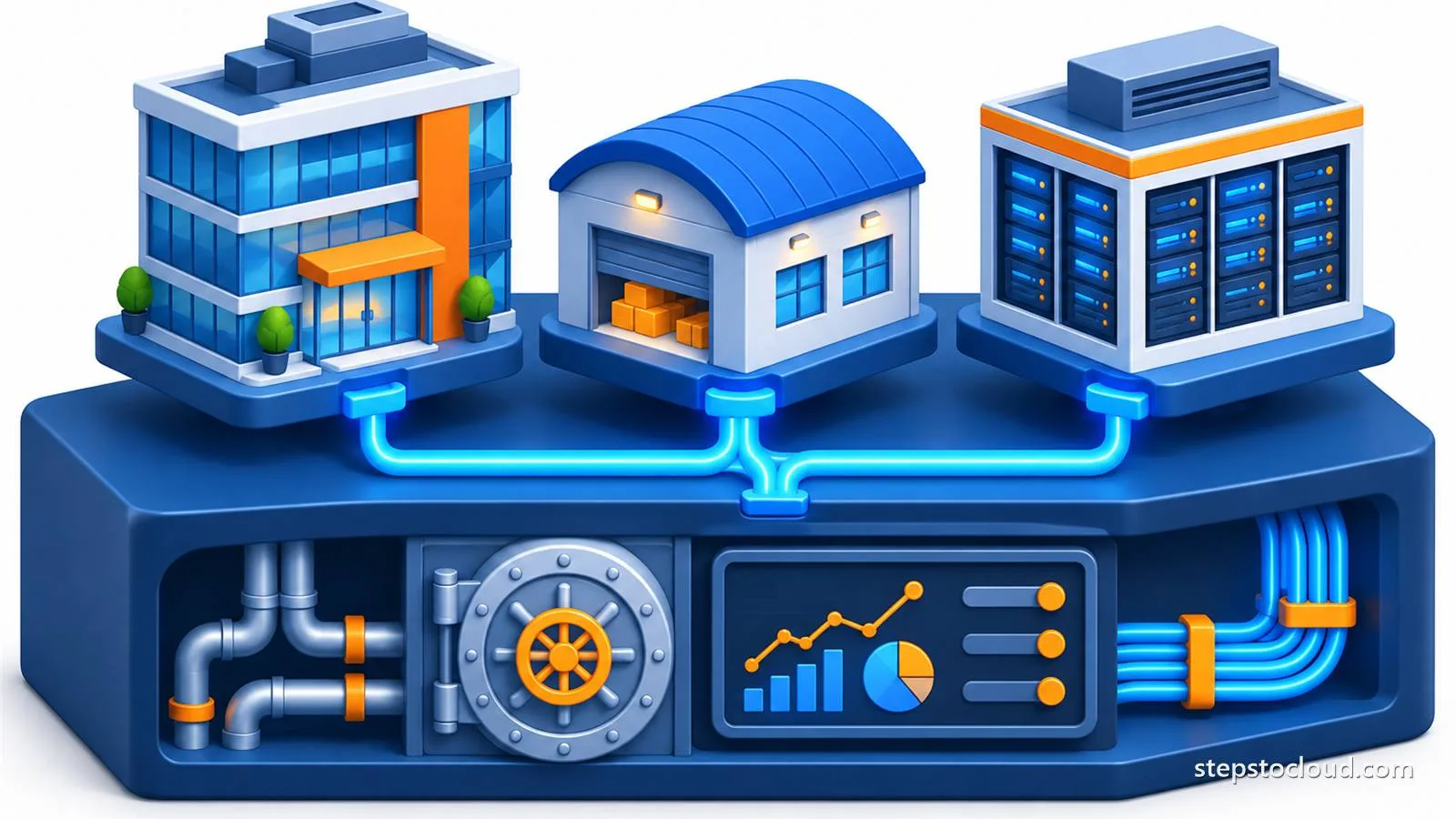
Cloud Foundations: the seven things you set up once
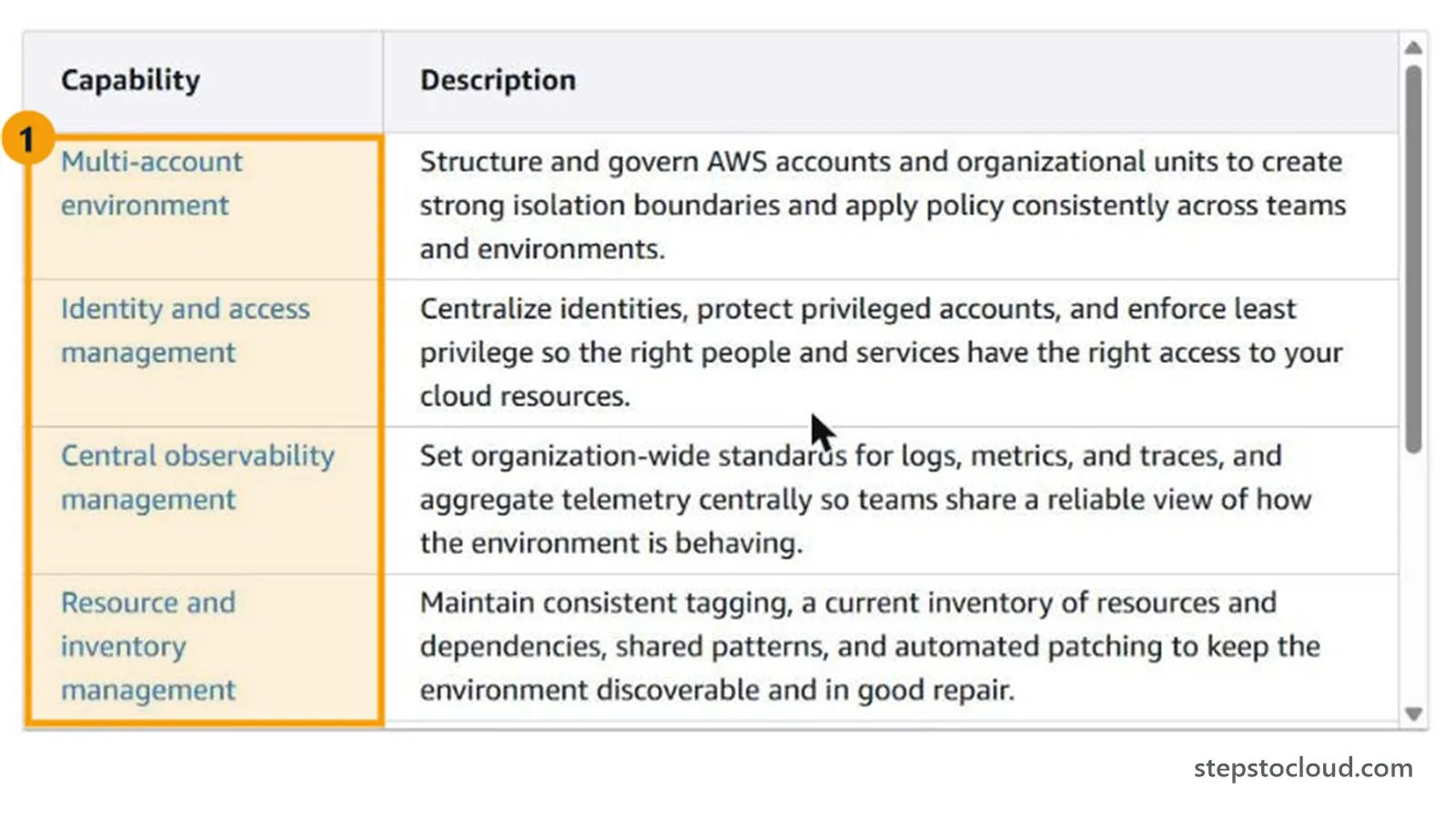
Foundations are organization-level decisions, usually owned by a platform or cloud engineering team instead of a product team. AWS lists seven Cloud Foundations capabilities:
| Capability | In plain words |
|---|---|
| Multi-account environment | Separate AWS accounts for teams and stages, governed from one place |
| Identity and access management | One central sign-in, protected root users, least privilege |
| Central observability management | Shared standards for logs, metrics and traces |
| Resource and inventory management | Consistent tags, a current inventory, patching, central backups |
| Security and compliance | Audit logging, threat detection, emergency access |
| Cloud financial management | Cost visibility, attribution, budgets, commitment discounts |
| Networking and connectivity | Central network layout, protection and DNS |
If you know the term landing zone, this is its blueprint. AWS calls Cloud Foundations the blueprint for creating a sound landing zone. Microsoft has a close equivalent, covered in our Azure landing zone guide.
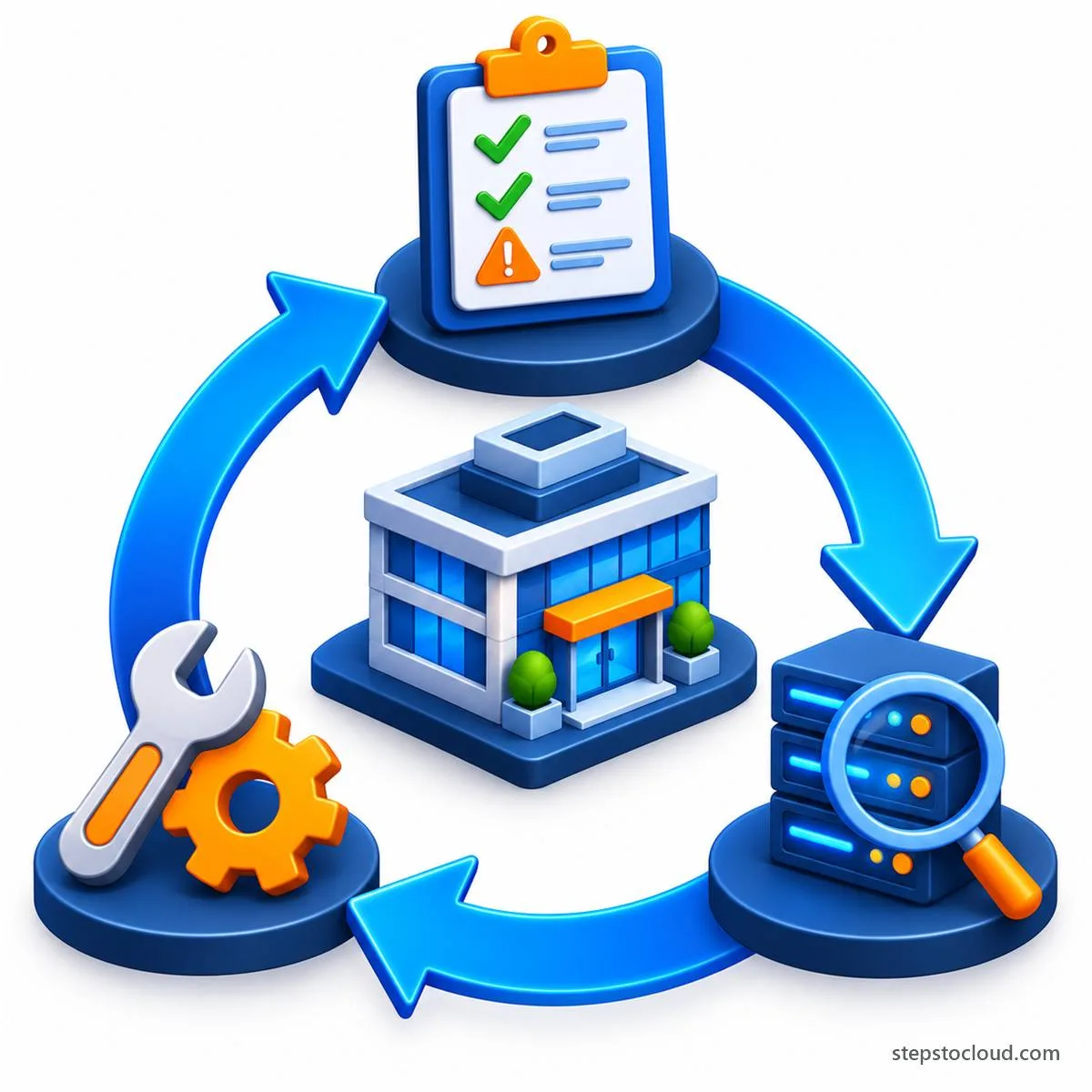
Which layer does a problem belong to?
A simple rule sorts it out. If fixing it once fixes it for every team, it is a foundation. If it only makes sense for one system, it is a workload practice.
Root-user protection, a tagging policy and central audit logs are foundations. A retry policy on one API, or the backup schedule for one database, belongs to the workload.
How do high risk and medium risk issues work?
A review does not give you a score. Each best practice you are not following shows up as a risk, at one of three levels.
| Level | What AWS means by it | AWS’s own example |
|---|---|---|
| High risk issue (HRI) | A foundational, must-do practice is missing; it may cause significant harm to the business | Not securing your AWS account |
| Medium risk issue (MRI) | An enabling practice is missing; the harm is smaller | Not auditing and rotating credentials periodically |
| Low risk | Optional or nice-to-have; tracked as progress, with no issue raised | None |
Those definitions come from the framework’s own high risk and medium risk issue levels. The order of work follows from them: clear HRIs first, then MRIs.
Each best practice also carries a level of effort. Low means hours to days, medium means days to weeks, and high means weeks to months. A high-risk, low-effort item is where to start on Monday.
How do you run a Well-Architected review?
AWS now offers two ways to do it from the same console, and they suit different moments.
| AWS Well-Architected Tool | AWS Well-Architected Agent (preview) | |
|---|---|---|
| How it works | You answer the questions yourself, guided | AI analyzes your deployed resources and IaC templates |
| You define | A workload | A profile: accounts, Regions, pillars and goals |
| You get | HRIs, MRIs and an improvement plan | Prioritized recommendations with scripts and template updates |
| Best for | Structured reviews and tracking progress with milestones | Continuous, goal-driven tuning |
AWS describes the pair in its guide to the Well-Architected Tool and the Well-Architected Agent. The Agent is a preview release, so expect it to change.
A manual review with the Tool goes like this:
- Define the workload. Name it, describe it, and pick its environment and Regions. The framework lens is applied automatically.
- Answer by pillar. Tick the best practices you really follow. Mark a question as not applicable only with a reason.
- Read the improvement plan. It lists the HRIs and MRIs with the guidance for each.
- Save a milestone. That freezes today’s answers for later comparison.
- Fix, then review again at the next big change.
The same review from the AWS CLI
The Tool has an API, so a review can be scripted. These commands create a workload, list the security improvements and save a milestone.
# See which lenses your account can use
aws wellarchitected list-lenses --region us-east-1

# Define a workload with the framework lens
aws wellarchitected create-workload \
  --workload-name "orders-api" \
  --description "Checkout and order service" \
  --environment PRODUCTION \
  --aws-regions us-east-1 \
  --lenses wellarchitected \
  --review-owner "platform-team@example.com"

# List the open improvement items for one pillar
aws wellarchitected list-lens-review-improvements \
  --workload-id YOUR_WORKLOAD_ID \
  --lens-alias wellarchitected \
  --pillar-id security

# Freeze the current answers
aws wellarchitected create-milestone \
  --workload-id YOUR_WORKLOAD_ID \
  --milestone-name "before-launch"
create-workload returns the workload ID that the later commands need. None of these commands costs anything or changes your running resources.
Lenses, including the two new ones
A workload can carry up to 20 lenses, added five at a time. Lens Catalog lenses are official AWS ones. Custom lenses are question sets you write or import.
For the updated framework, AWS currently ships two custom lenses: Well-Architected Cloud Foundations and Well-Architected Cloud Workloads. You download them from AWS’s public custom lens GitHub repository and import them into the Tool.
When should you review a workload?
AWS recommends reviews at key milestones in the workload lifecycle: design, implementation, testing, go-live and in production. The cheapest review is the one before launch, while changes are still easy.
After that, review again when something big changes: a new Region, a jump in traffic, a new compliance requirement, or a serious incident.
Which pillars can you trade against each other?
You can’t max out all six at once. More copies of a system make it more reliable and also more expensive. The framework expects you to choose, based on what the business needs.
| Situation | Lean toward | Give up some |
|---|---|---|
| Development and test environments | Cost, sustainability | Reliability |
| Mission-critical production systems | Reliability | Cost, sustainability |
| Ecommerce storefronts | Performance | Cost |
| Any workload | Security, operational excellence | Generally not traded away |
The last row is the one to remember. AWS states that security and operational excellence are generally not traded off against the other pillars.

What mistakes do teams make with the framework?
- Treating it as an audit. People then give the answer that sounds good. The review only works when answers are honest.
- Reviewing the whole company as one workload. The answers become “it depends” and nothing useful comes out. Review one system at a time.
- Skipping the foundations. Ten teams then each solve logging, tagging and access their own way.
- Fixing easy medium risks first. It feels productive and leaves the high risk issues open.
- Never saving a milestone. Without one you can’t show that anything improved.
- Working from an old pillar whitepaper. The guidance now lives in one updated document.
Study guides that teach the pillars

Sybex AWS Certified Solutions Architect Study Guide (SAA-C03)
The Associate exam domains map onto the pillars: secure, resilient, high-performing and cost-optimized designs. Look for the chapter reviews that tie services back to each one.
Check price on AmazonSybex AWS Certified Cloud Practitioner Study Guide (CLF-C02)
A gentler start if you only need to name the pillars and say what each one covers, which is how the Cloud Practitioner exam asks about them.
Check price on AmazonFrequently asked questions
What are the 6 pillars of the AWS Well-Architected Framework?
Operational excellence, security, reliability, performance efficiency, cost optimization and sustainability. Each pillar is a set of design principles and best practices for one quality of a cloud system. Sustainability is the newest; AWS added it on December 2, 2021. Before that the framework had five pillars.
Is the AWS Well-Architected Tool free?
Yes. AWS states there is no additional charge for the AWS Well-Architected Tool. You pay only for the underlying AWS resources you already run. Defining workloads, answering review questions, saving milestones and viewing improvement plans do not add to your bill.
What is the difference between Cloud Foundations and Cloud Workloads?
Cloud Foundations covers account and organization-level decisions you make once, such as the multi-account layout, central identity, audit logging and cost attribution. Cloud Workloads covers how you design, build and operate each individual system, and holds the six pillars. AWS introduced this split in the November 16, 2026 framework update.
What is a high risk issue in a Well-Architected review?
A high risk issue, or HRI, means a foundational, must-do best practice is missing and the gap may cause significant negative impact to the business. AWS gives not securing your AWS account as an example. Medium risk issues are enabling practices with a smaller impact. Low risk practices do not raise an issue.
How is the AWS framework different from the Azure Well-Architected Framework?
They are very similar. Microsoft’s Azure Well-Architected Framework has five pillars: reliability, security, cost optimization, operational excellence and performance efficiency. AWS has the same five plus sustainability as a sixth. The services and tooling differ, but a team that knows one framework will recognize the other.
Is there an AWS Well-Architected certification?
No. There is no separate Well-Architected certification exam. The pillars are tested inside the regular AWS exams, lightly in Cloud Practitioner and in depth in Solutions Architect Associate and Professional, where questions ask you to pick the most secure, resilient, high-performing or cost-effective design.
Conclusion
The framework is a structured way to ask “what could go wrong here?” before something does. The pillars have not changed. What sits underneath them has.
- Six pillars: operational excellence, security, reliability, performance efficiency, cost optimization and sustainability.
- Since November 16, 2026 the framework has two layers: Cloud Foundations with seven capabilities, and Cloud Workloads with the pillars.
- A review produces high risk and medium risk issues, not a score. Fix high risk, low effort items first.
- The Well-Architected Tool is free and manual. The Well-Architected Agent is an AI-driven preview.
- Trade cost, performance and reliability to fit the business. Leave security and operational excellence alone.
Recommended reading
- AWS high availability architecture
- AWS Regions and Availability Zones explained
- How to set up AWS billing alerts and budgets
- A four-week AWS Cloud Practitioner study plan

I am an Amazon Web Services Professional, having more than 11 years of experience in AWS and other technologies. Extensively working in various AWS tools like S3, Lambda, API, Kinesis, Load Balancers, EKS, ECS, and many more. Working as a Solution Architect and Technology Lead for Architecting and implementing the same for different clients. He provides expert solutions around the world and especially in countries like the United States, Canada, United Kingdom, Australia, New Zealand, etc. Check out the complete profile on About us.
1 thought on “AWS Well-Architected Framework: 6 Pillars, Cloud Foundations and Reviews”